
Almost everyone who builds a website hits the same wall. The pages are written, the code works, the design looks fine, and then someone says, "Your domain needs more authority." For beginners learning SEO basics, and for site owners who picked it up along the way, that sentence raises a pile of questions. Authority according to whom? Measured how? And do you need to pay for three different tools just to find out?
This article looks at a free web tool built for exactly that moment: Domain Rating Check. It puts several well known SEO metrics behind a single input box. Below we walk through what it shows, where it helps, where it does not, and how it compares with the big names in the field.
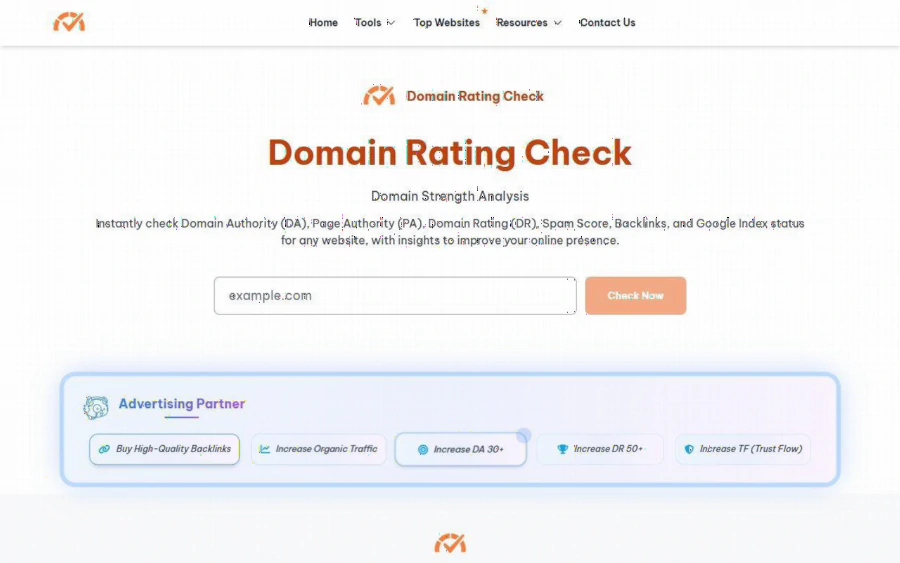
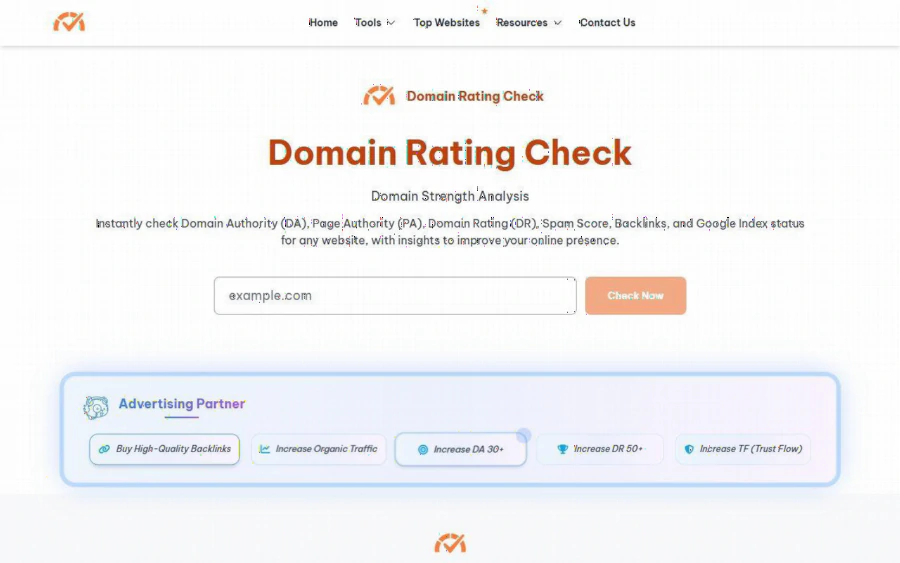
Homepage of Domain Rating Check with the domain input box and the Check Now button
The problem: SEO numbers are scattered across tools
If you are new to search optimization, you quickly learn that "authority" is not one number. Moz publishes Domain Authority (DA) and Page Authority (PA). Ahrefs publishes Domain Rating (DR). Majestic publishes Trust Flow (TF) and Citation Flow (CF). Each company runs its own crawler, so each has its own picture of the web and its own scoring formula.
To compare your site against a competitor, or to judge whether a site is worth getting a link from, you would normally open each vendor's tool in turn, sometimes sign up, sometimes hit a free-use limit, and then copy the numbers into a spreadsheet. For a student working through an SEO assignment, or a small business owner checking a single domain, that is a lot of friction for a quick look.
What the tool shows
According to its homepage, the workflow is simple. You type a domain such as example.com into the input box and press the "Check Now" button. The page then returns a set of metrics in one place. Based on what the site lists, those include:
- Domain Authority and Page Authority (the Moz style scores)
- Ahrefs Domain Rating
- Organic Traffic
- Backlinks
- Majestic Links, Trust Flow and Citation Flow
- Spam Score
- Google Index status
The homepage describes four steps for using the tool, and before a check runs there is a Cloudflare verification step, which is a common way for free tools to keep automated abuse down. Expect to click through a short human check first.
Beyond the main box, the Tools menu splits the checks into separate pages: a DA and PA checker, an Ahrefs Domain Checker, a TF checker, and a Domain Metrics checker. The site also has a Top Websites section, a Resources section and a Blog, which are useful if you are still figuring out what the numbers mean.
A closer look at the Ahrefs Domain Checker page
If your main interest is Domain Rating, the Ahrefs Domain Checker page is the more focused entry point. Its headline names the checker directly, and the subhead frames the page around analyzing Domain Rating, the backlink profile and referring domains.
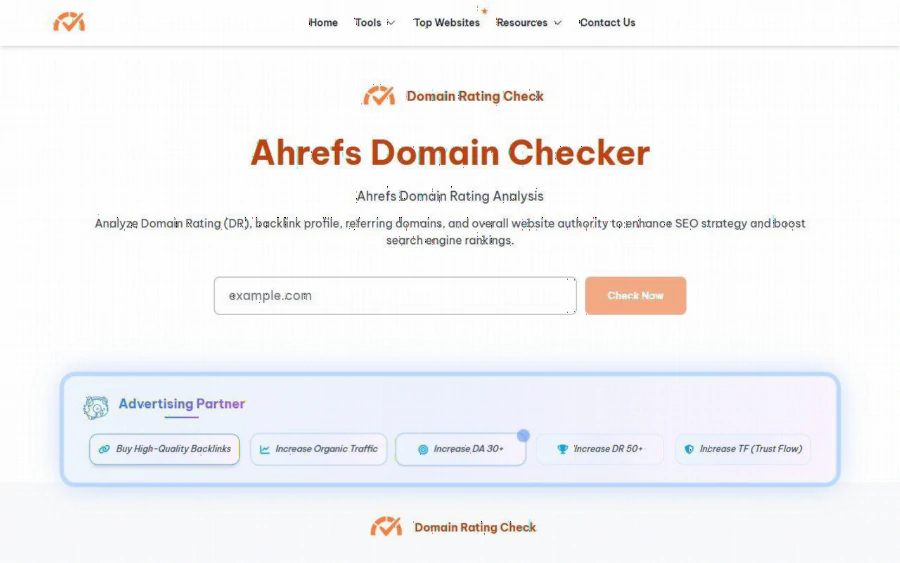
The Ahrefs Domain Checker page on the site, focused on Domain Rating, backlinks and referring domains
This is where the concept becomes easier to teach. Domain Rating describes how strong a site's backlink profile looks on a logarithmic style scale, and referring domains counts how many separate websites link to you. For a beginner, seeing the two side by side makes an important point: ten links from ten different sites generally say more about a profile than ten links from one site. A dedicated page for that view is a gentle way into backlink analysis without reading a long guide first.
Be honest about what these numbers mean
This part matters most for anyone learning the field. DA, DR, TF and the other scores are third-party metrics. They are estimates made by SEO companies from their own crawls. They are not Google ranking factors, and Google does not use them to decide where a page appears in results. A high DR does not guarantee traffic, and a low one does not mean a site cannot rank.
So what are they good for? They work as a rough yardstick:
- Comparing your site with competitors using the same scale
- Screening sites before you ask for a link or accept one
- Tracking whether your link building effort moves a number over months
- Spotting suspicious patterns, such as a high Spam Score on a site you were about to trust
Treat them as a dashboard instrument, not a goal. If you chase the number instead of building useful content and earning links naturally, you are optimizing for the wrong thing.
One more caution, since we are being plain. Because each vendor measures differently, the same domain can look strong in one metric and modest in another. A tool that shows several at once helps you notice those gaps. It does not tell you which vendor is "right."
How it compares with Ahrefs, Moz and Majestic
The three names the tool is most often placed next to are Ahrefs Website Authority Checker, Moz Link Explorer and Majestic. They are established, and each is the original source of its own metric, which is a real advantage when you want the deepest data on that single score.
The differences we can state from what the sites show are practical ones:
- One input, many metrics. Domain Rating Check gathers DA, PA, DR, TF, CF, backlinks and index status behind one box. The vendor tools each center on their own metric family.
- Free to use. We saw no pricing and no sign-up on the site. The big vendors generally have broader paid products, and we are not putting numbers on what they offer or limit, because we did not verify them here.
- Depth. A full vendor platform is the place for large scale link research, history and ongoing monitoring. A single free page is a quick check, not a replacement for that.
In short, it is a convenient front door rather than a rival to a complete suite. If you only need a fast reading on one domain, the single box is quicker. If you manage dozens of client sites or need historical link data, a vendor subscription will serve you better.
Limits worth knowing
A few things to keep in mind before you rely on it:
- No stated pricing or account system. That is good for casual use, but it also means we could not find details on usage limits, data sources or update frequency on the site. Treat results as indicative and cross check any decision that matters.
- Verification step. The Cloudflare check adds a click before each lookup, which is minor but noticeable if you test many domains in a row.
- Sponsored blocks. The pages carry sponsored ad blocks. They are a normal way for a free tool to cover costs, but read them as ads, not as recommendations from the tool.
- Metrics are estimates. As covered above, no score here is a promise about rankings.
Who should use it, and who should not
It suits beginners and students who want to see what DA, DR and TF look like on real sites. It suits small site owners who want a free sanity check before outreach, and anyone running a quick competitor comparison. It is also useful to people writing about SEO who want a visual example for a lesson.
It is less suited to agencies that need bulk exports, scheduled reports and historical charts, or to anyone who needs the original vendor's full data for audits. For them, the vendor platforms remain the right tool, and this page can still serve as a quick pre-check.
How to get started
1. Open the homepage and type the domain you want to check, for example your own site.
2. Complete the Cloudflare verification and press "Check Now."
3. Read the results as a set rather than a single score. Note DR, DA and TF side by side, and look at the backlink and spam figures.
4. Run the same check on two or three competitors so you have a baseline.
5. Visit the Resources and Blog sections to learn what each metric measures, then decide what to improve in your own content and link building.
Check again every month or two, not every day. These numbers move slowly, and the useful signal is the trend, not any single reading.
Used with the right expectations, a free multi-metric checker is a handy way to learn the language of SEO. Just remember what the numbers are: helpful estimates from third parties, and never a substitute for building pages that people actually want to read.